

Codex / OpenCodeILLUSTRATION
Make the next thing
Build a clearer sign-in experience
Plan the changes Edit the files Review the result
A workspace for every idea
A self-hosted AI workspace control plane
Run Codex and OpenCode in one self-hosted workbench for local and remote AI development, workspace management, and code review
Install on your desktop or deploy your own server
Built around the tools you already use
Agent skill
Install the skill and your agent knows how to connect to the control plane, drive sessions, and diagnose failures
Copy this into your agent chat
Install the TaskHandoff skill: https://docs.thandoff.com/.well-known/skills/index.jsonBring your conversations, code, and environments together. Less switching. More focus
Compact mode focuses on the current turn; switch to the full conversation when you need to audit
Learn morePush several tasks at once with instances and worktrees, without files or branches colliding
Learn moreReach the same control plane from desktop, web, mobile, and chat bridges
Learn moreFrom tasks to sessions, from local to remote. Find every perspective in the same workbench
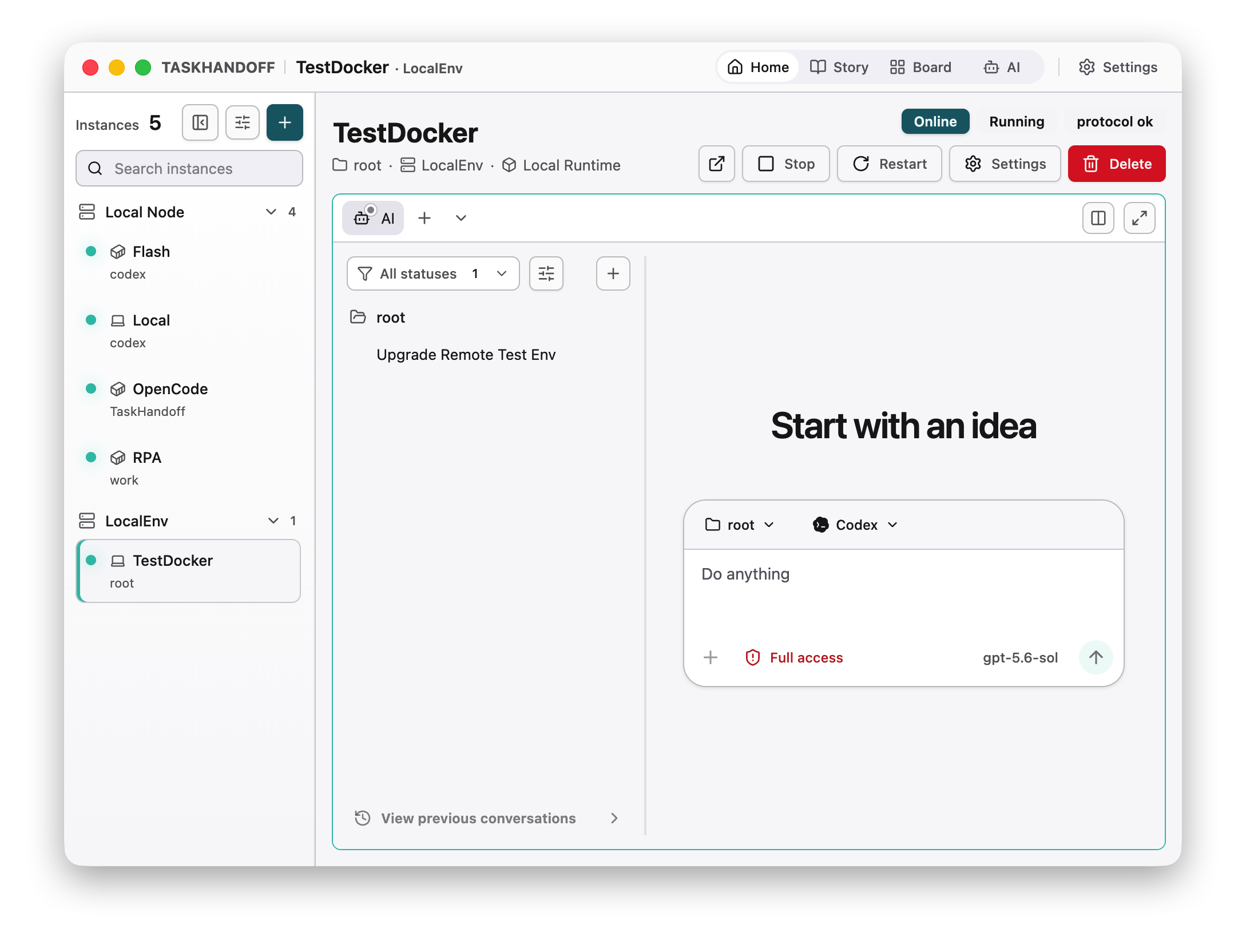
Instances, sessions, and controls. Together in one workbench
Every step has a clear environment, execution state, and delivery path. Focus on decisions while TaskHandoff keeps the process together
Add a local or remote node, then configure models and repositories
Start from a Git repository or local folder with a Local or Docker runtime
Choose the agent, model, fixed working directory, and permission mode
Check tool activity and Git changes, then ship via branch or worktree
Understand how it runs. Choose the environment that fits
Not necessarily. Local Runtime uses tools and directories on the host. Choose Docker for multiple isolated instances. Each host user can run only one Local Runtime instance
Yes. Create and manage sessions for both agents in one workbench. Each session uses its selected agent and model; some advanced capabilities differ between agents
Yes. Tasks run in controlled instances, not in the browser tab. Stopping an instance, closing a session, or stopping its runtime services can interrupt work. Quitting the desktop app is also different from closing a tab
No. It changes only how the session is displayed, not its history or agent context. Switch to conversation mode whenever you need the full record
Yes, for running sessions and instance operations. Configure authentication and HTTPS before remote access. Use Web or Desktop for creating instances and full infrastructure management
Connect your environment. Choose your agent. Give every task its own workspace, and keep the important decisions in your hands
Install on your desktop or deploy your own server