

About Story
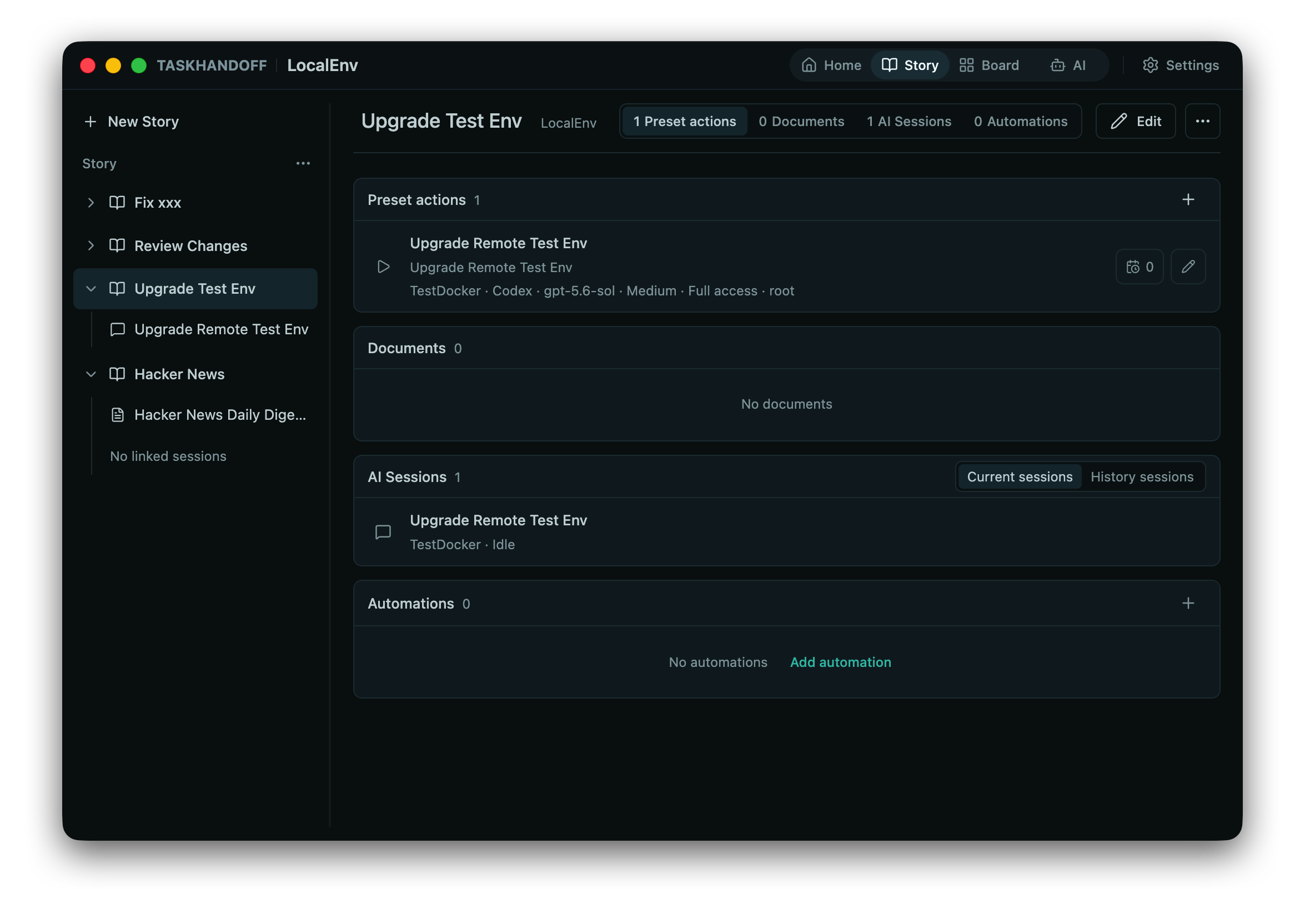
Story is TaskHandoff's main unit for long-running work. It groups documents, Codex/OpenCode sessions, preset actions, and scheduled automation around one goal.
What a Story Contains
| Content | Purpose |
|---|---|
| Documents | Requirements, context, plans, decisions, and results |
| AI sessions | Codex and OpenCode work related to the goal |
| Preset actions | Reusable agent, instance, permission, and prompt configuration |
| Automation | Scheduled execution of preset actions |
Create a Story
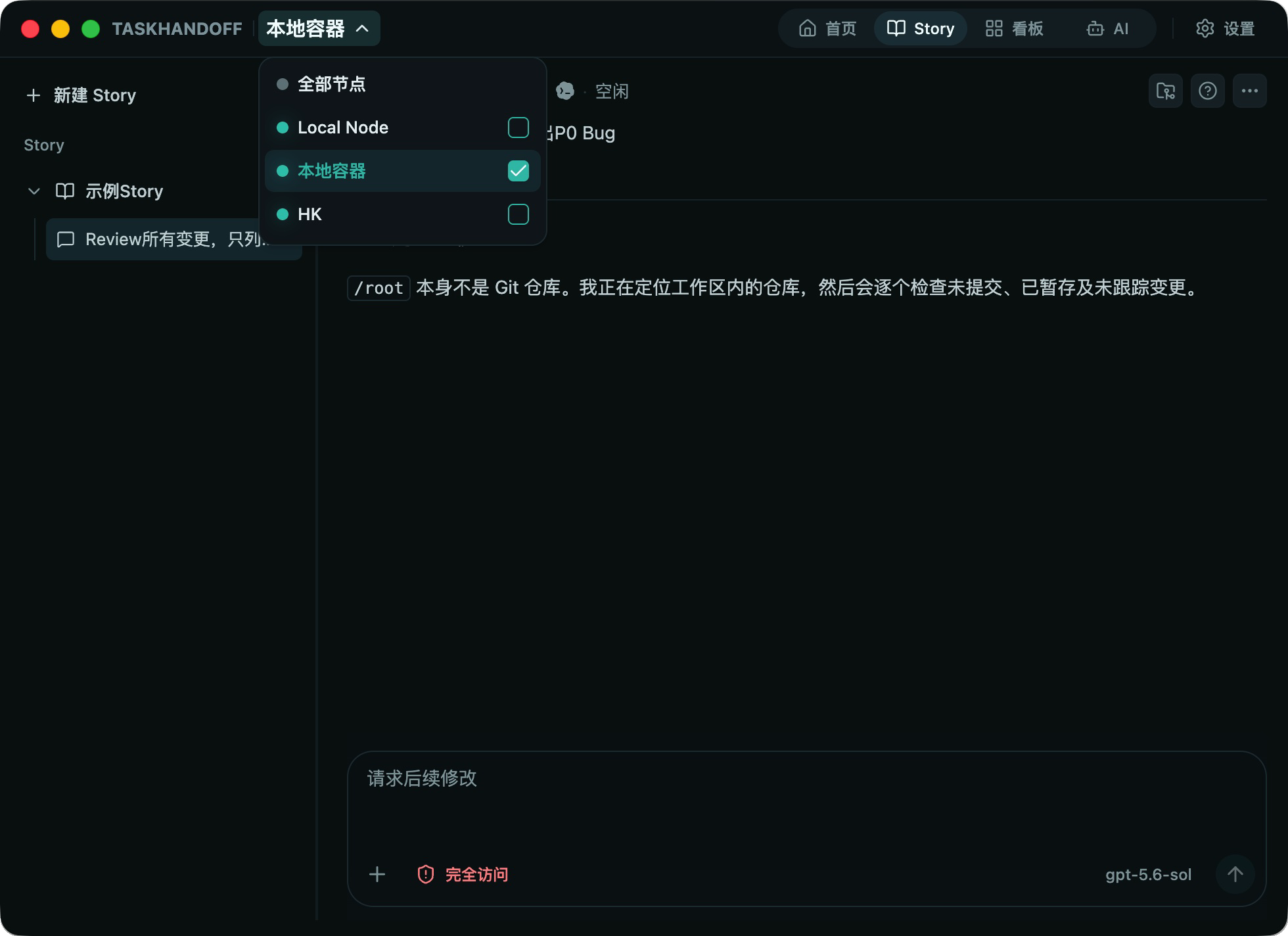
Open Story, select New Story, enter a title and optional description, choose an owner node, and set the maximum retained idle AI sessions.
The owner node determines where Story files live and which instances and sessions can be attached. Choose a node expected to remain available.
Sessions and Lifecycle
Create sessions inside the Story or attach unassigned sessions from its owner node. New sessions can use Codex or OpenCode with an explicit instance, directory, model, and permission mode.
Archive completed Stories for later reading. Deleting a Story also deletes its file directory and cannot be undone. Move important deliverables into the project repository or another backup first.
Decisions
An AI in a Story can raise a decision that needs human confirmation. Decisions appear in the Story workspace and in the top-bar Approvals view:
- Pending: waiting for a choice; pick one of the offered options or type a free-form reply;
- Decided: submitting it appends a new turn to the related AI session;
- Cancelled / expired: no longer actionable; you can raise it again if needed.
Decisions are available only when the node supports them. You cannot submit on an older node or if the related session has ended; open the AI session from the decision card to review the context.