

Node Management
A node runs Node Agent and owns instance lifecycle on one computer. Open Settings → Nodes for status, versions, capabilities, and connection paths.
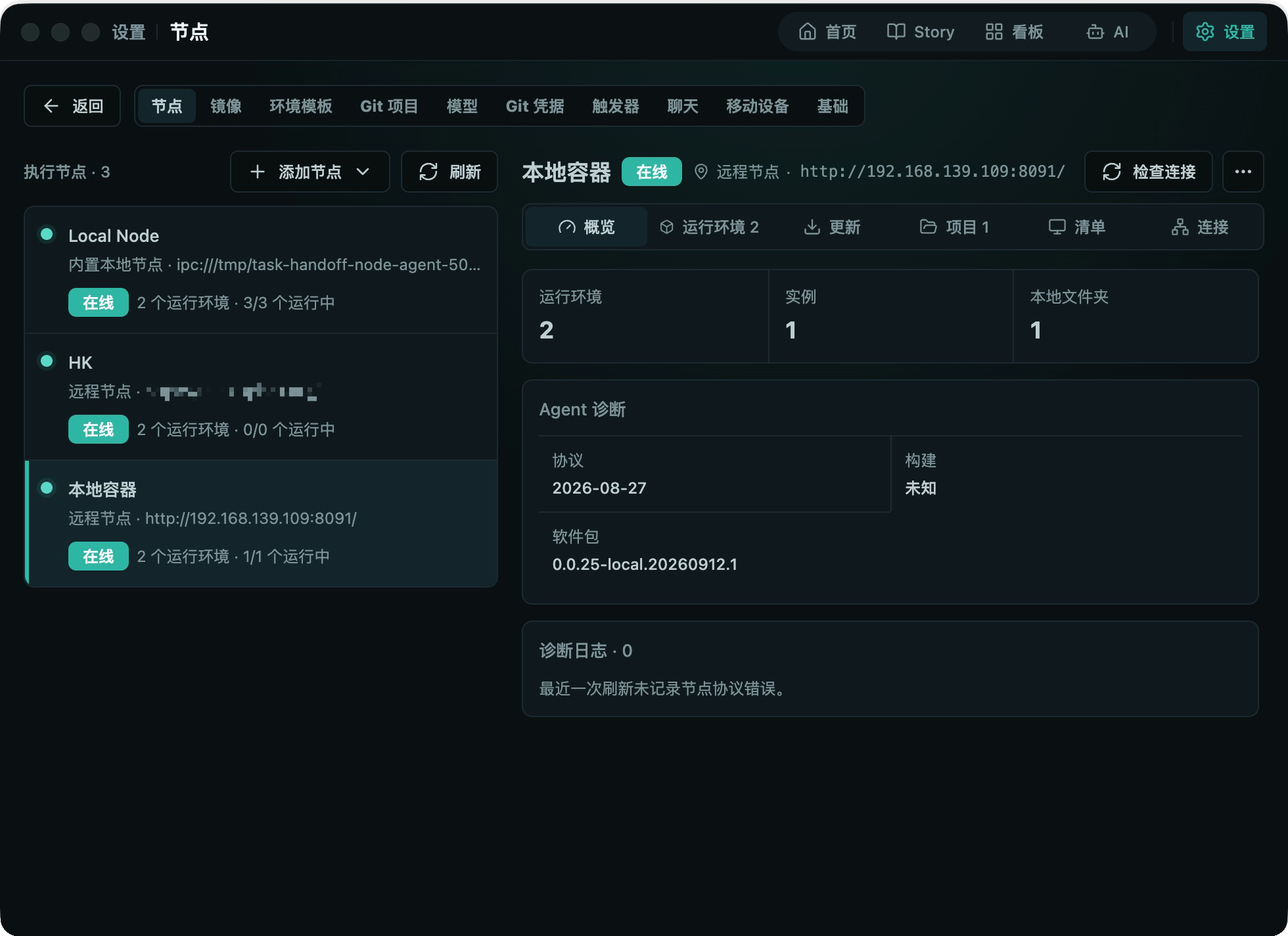
Connection Paths
| Scenario | Connection |
|---|---|
| Control Plane and Node Agent share a host | Local IPC, normally automatic |
| Remote node can reach Control Plane | Generated install command with a one-time join token |
| Control Plane can reach a public Node Agent | HTTPS endpoint and pairing token |
| Neither side accepts inbound traffic | Trusted control-plane proxy or supported relay |
Public Node Agent endpoints require HTTPS. Do not retain one-time tokens after pairing.
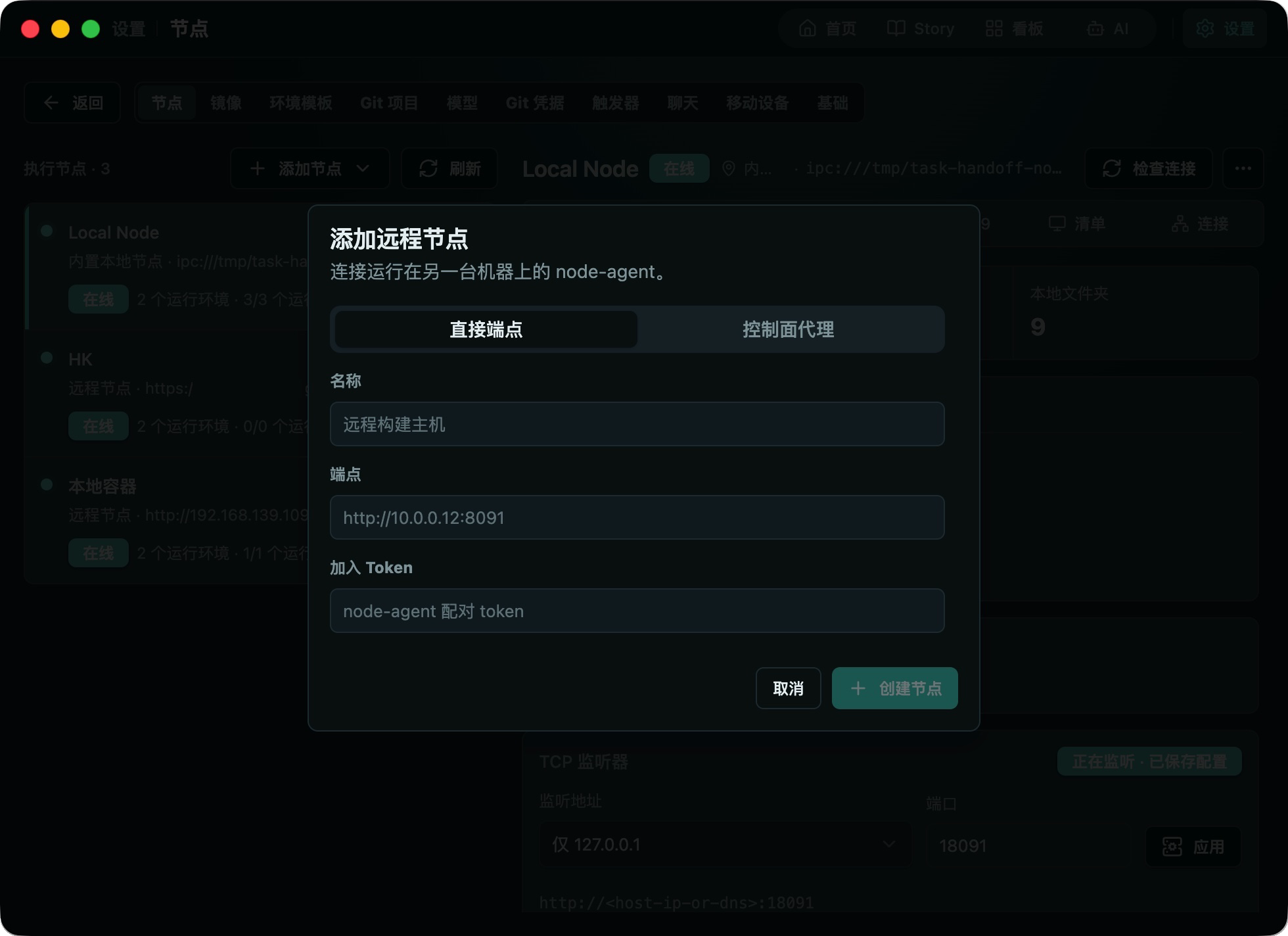
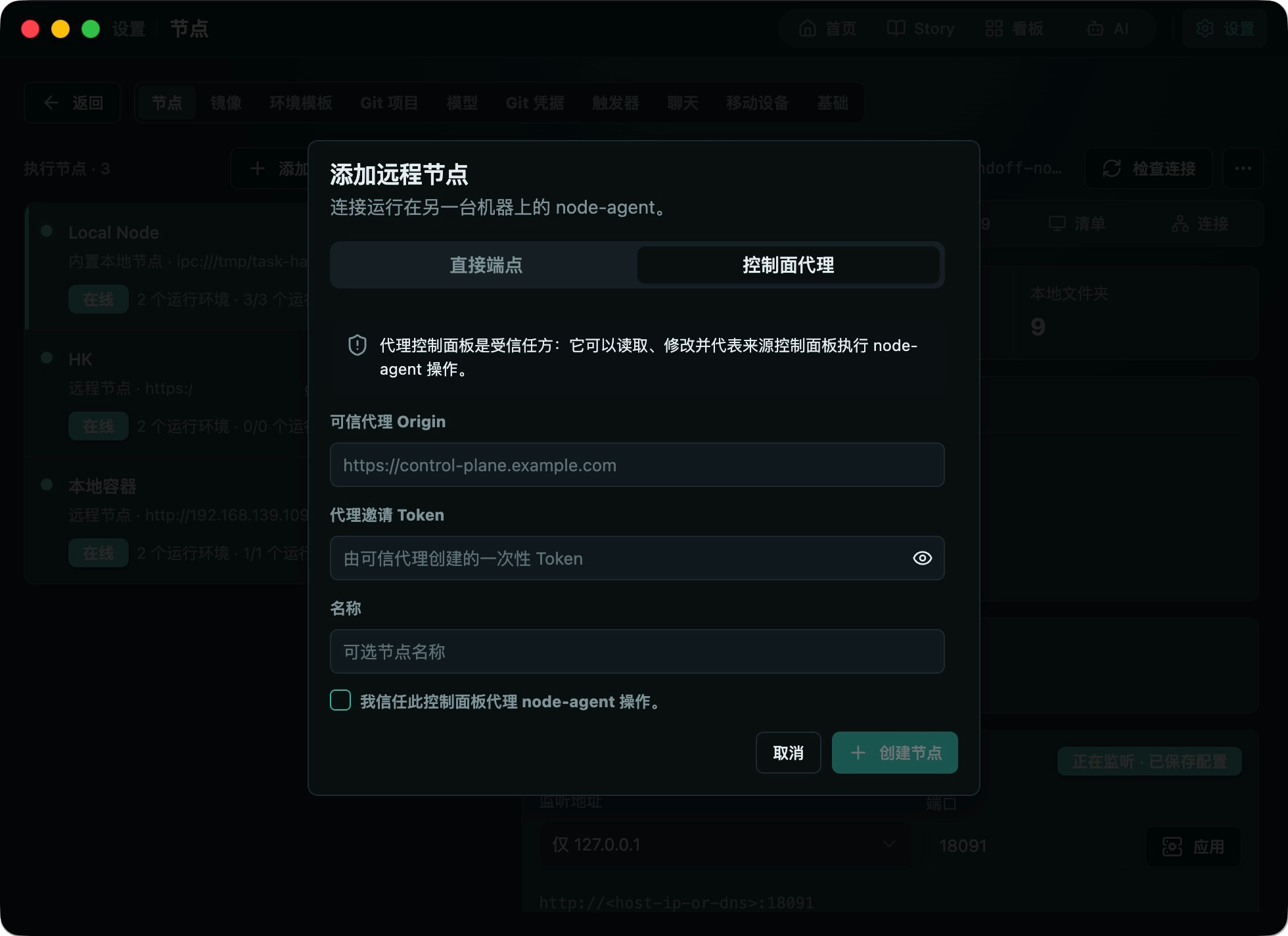
Node Details
Node details include Overview, Runtimes, Updates, Projects/Storage, Inventory, and Connection. Review Docker and Local Runtime capabilities, local workspace roots, system/image inventory, TCP listener, and diagnostics here.
Local project paths require access for the service user. Do not expose sensitive system directories as workspace roots.
TCP Listener
127.0.0.1 is host-only; 0.0.0.0 expands access to all IPv4 interfaces and requires firewall and TLS controls. A port change is rejected while running instances still use the old callback port.
Model Relay
Model relay in node details is off by default. When enabled, model requests from managed instances are proxied through the Node Agent so the data path can flip without restarting instances; when disabled, instances fall back to the direct projection.
- The switch affects only new requests and can be turned off at any time;
- A model connection's Model mapping forwards the model name requested by clients to an upstream model name; the mapping only participates in request resolution while model relay is enabled;
- The switch appears only after the Node Agent is updated.
Disabling or deleting a control-plane connection does not automatically stop the remote Node Agent or its instances. Resolve instance, template, project, and model references before deleting a node.