

Tutorial: Private Repository Instance
This tutorial creates a Docker instance from a private Git repository and starts Codex or OpenCode.
Prerequisites
You need an online Docker node, repository URL, narrowly scoped HTTPS token or SSH key with pinned host data, and a configured Codex or OpenCode model provider.
Procedure
- Add the secret under Settings → Git credentials, with an exact host and path prefix.
- Register the URL without embedded secrets under Settings → Git projects.
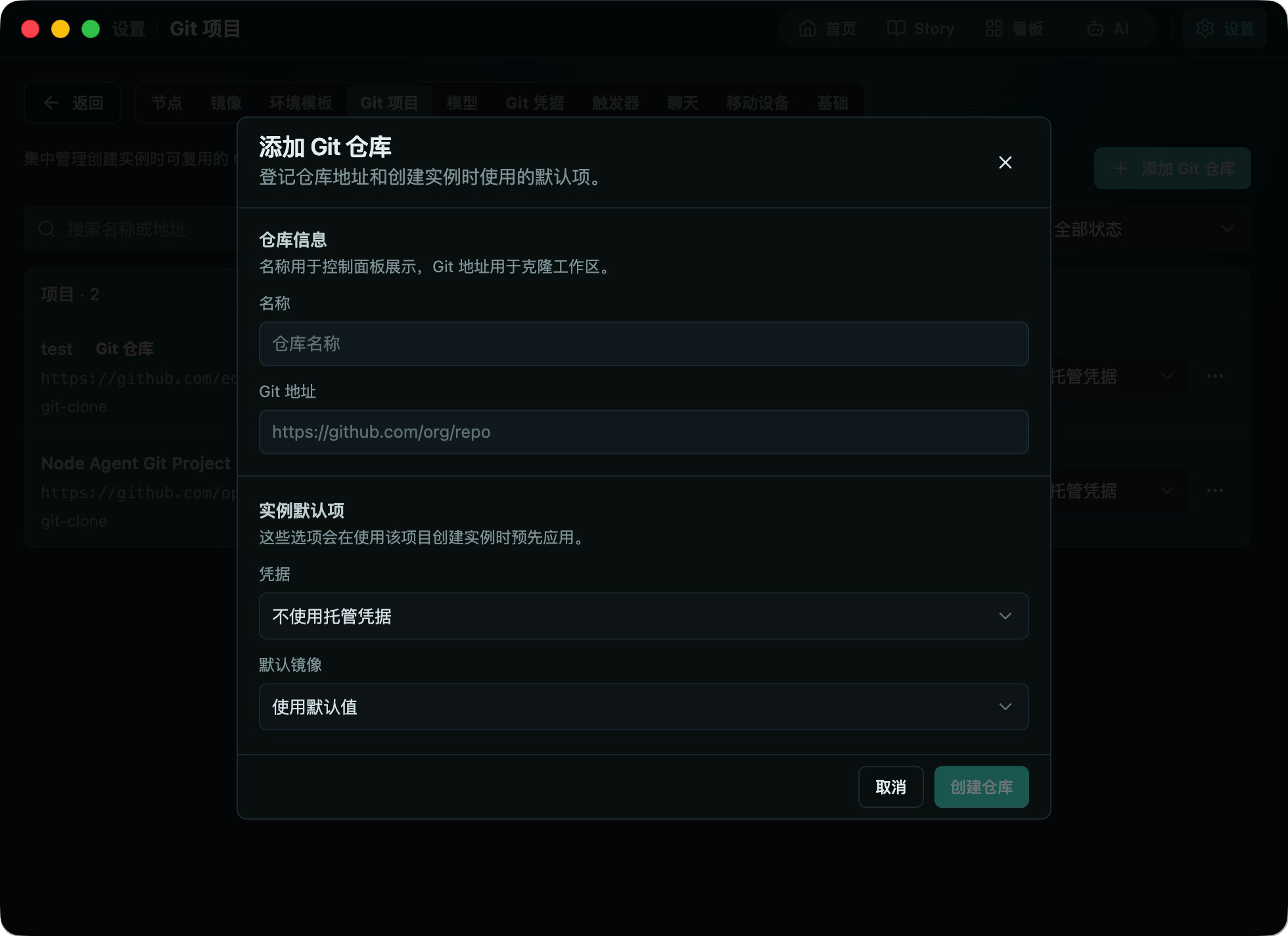
- Select New instance → Repository, then choose project, node, Docker Runtime, and image/template.
- Select the credential. Retain it only if later agent or Git pushes require it.
- Assign a Codex or OpenCode model and create the instance.
- After it is running, inspect the remote and branch, then start a read-only verification task.
Review diffs before staging and committing. Publish or push only after verifying source, remote, and target. TaskHandoff never force pushes.
If an operation-only credential cannot push, explicitly assign it under Instance settings → Git credentials, then retry manually.